Course Overview
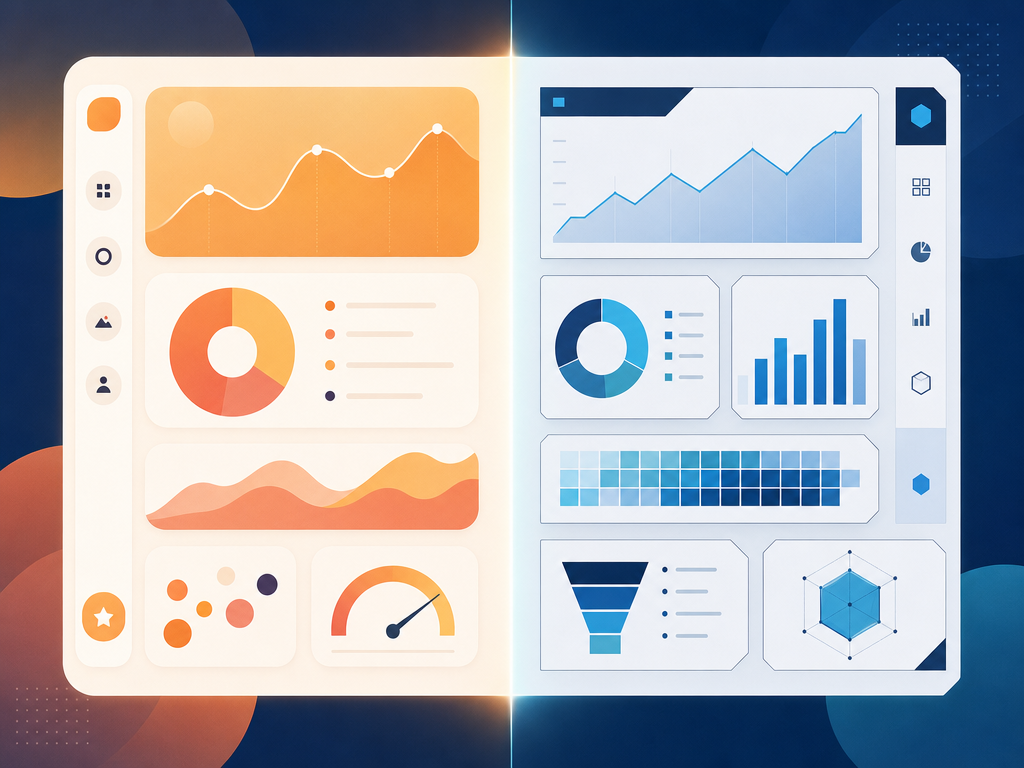
Data visualization is a critical skill for modern analytics, and this comprehensive training program is designed to take you from a complete beginner to a confident Tableau user. Instead of just focusing on theory, the curriculum is heavily project-based, allowing you to work with real-world datasets and solve actual business problems. You will learn how to transform raw data into compelling visual stories that help key stakeholders identify trends and drive decision-making.
The modules are structured independently, giving you the flexibility to jump into specific topics or follow the guided path step-by-step. With regular updates to match the latest software versions and a strong focus on intuitive learning, this program ensures your analytical skill set remains relevant and highly competitive in the data science industry.
What You Will Learn
- How to install and navigate the Tableau Desktop environment.
- Techniques for connecting and preparing various data sources, including CSV and Excel files.
- Methods to build a wide variety of visualizations, from basic bar charts to complex treemaps, maps, and dual-axis charts.
- Best practices for designing highly interactive dashboards and compelling data storylines.
- Advanced data manipulation skills, including data blending, table calculations, and understanding different types of joins.
- Strategies for handling timeseries data and creating efficient data extracts.
- How to seamlessly export your final visualizations into presentation software like PowerPoint.
Who Is This Course For?
This training is ideal for absolute beginners who want to build a strong foundation in data visualization from scratch. It is also highly beneficial for intermediate users looking to fill knowledge gaps, master advanced features like data blending, and elevate their analytical capabilities. The only prerequisite is basic computer literacy; no prior coding, data science, or Tableau experience is required to get started.
Pros and Cons
- Pros:
- Highly practical approach with numerous hands-on exercises and quizzes to reinforce learning.
- Lifetime access to over 8.5 hours of on-demand, regularly updated video content.
- Taught by experienced industry professionals who provide clear, intuitive explanations.
- Independent modules allow for flexible, self-paced learning tailored to your schedule.
- Cons:
- May feel a bit slow-paced for advanced data scientists already familiar with other Business Intelligence tools.
- Focuses primarily on Tableau Desktop, with less emphasis on Tableau Server or Cloud administration.
Ready to transform raw data into powerful visual insights? Check out the full course details and start your learning journey today!